Zoho CRM
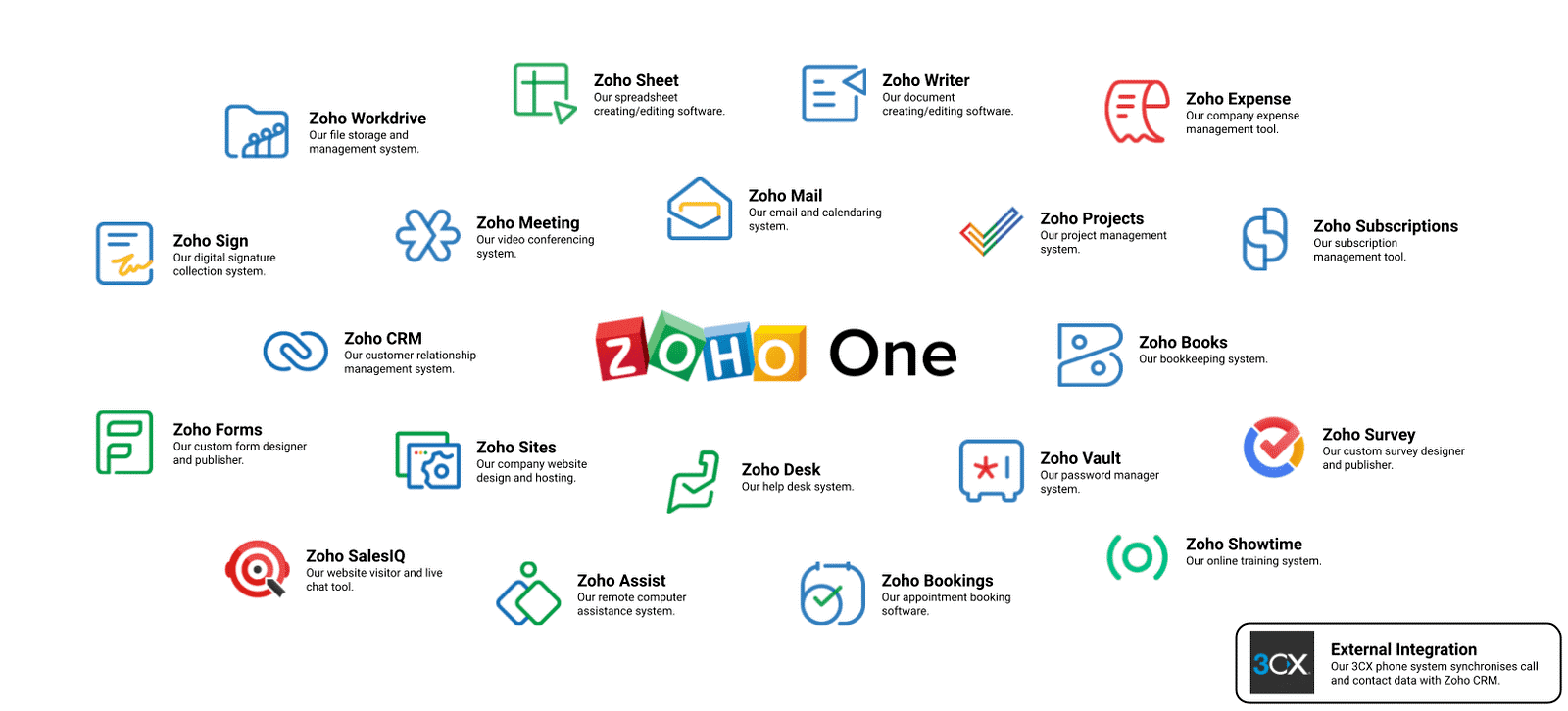
Zoho is a comprehensive suite of enterprise SaaS applications that provides two specialized customer relationship management software packages, namely Zoho One and Zoho CRM Plus.
Zoho CRM Plus
This is a comprehensive customer relationship management solution that allows organizations to enhance customer service efficiency. It gives you access to more than 11 dedicated CRM modules to effectively manage sales, marketing, and many other critical CRM functions. Above all, it enables you to gain valuable insights into customer data to learn their likes, preferences, and purchasing patterns. Businesses can leverage this data to optimize their marketing campaigns, improve sales strategies, and deliver personalized shopping experiences.
Zoho One
Zoho One is a comprehensive business process management suite that covers customer relationship management alongside many other critical business functions. It includes over 40 web applications for various business verticals, including sales, marketing, finance, and human resources. Zoho One is best suited for enterprises interested in a complete software overhaul rather than piecemeal updates.
Odoo CRM
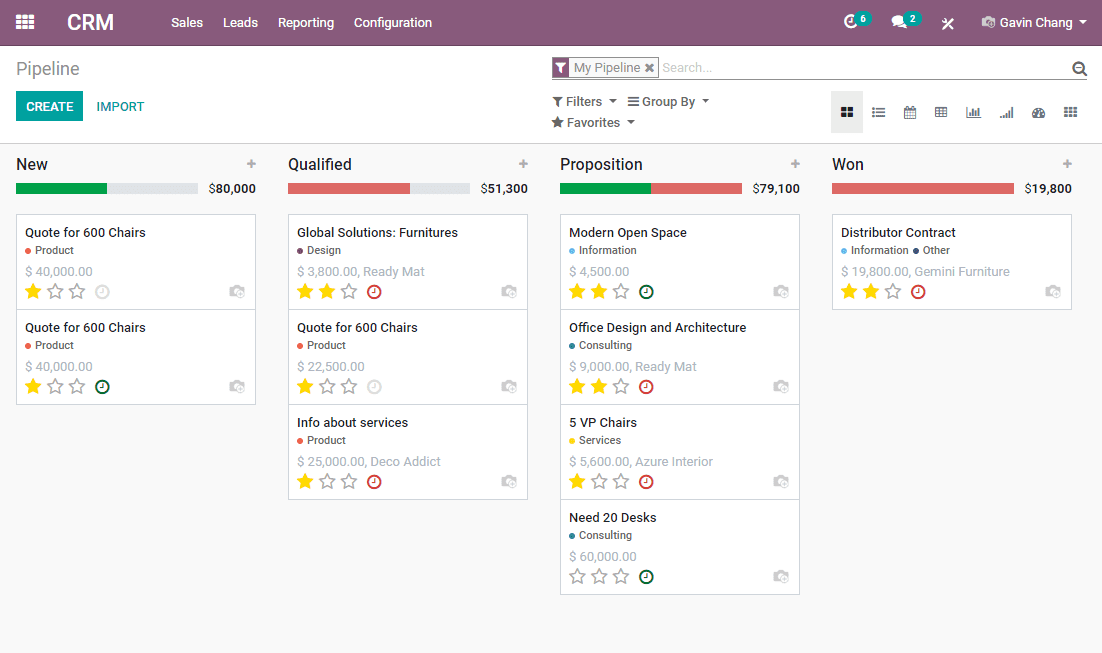
Similar to Zoho CRM, Odoo provides a comprehensive software suite that delivers full support for customer relationship management alongside many other business applications. The Odoo CRM module is a fully customizable software tool, but this can become an issue for you, as every new additional customization comes with a price tag.
Sales Automation
Zoho CRM can automate tasks and perform the following:
Schedule meetings
Send emails
Track contacts
Update opportunities
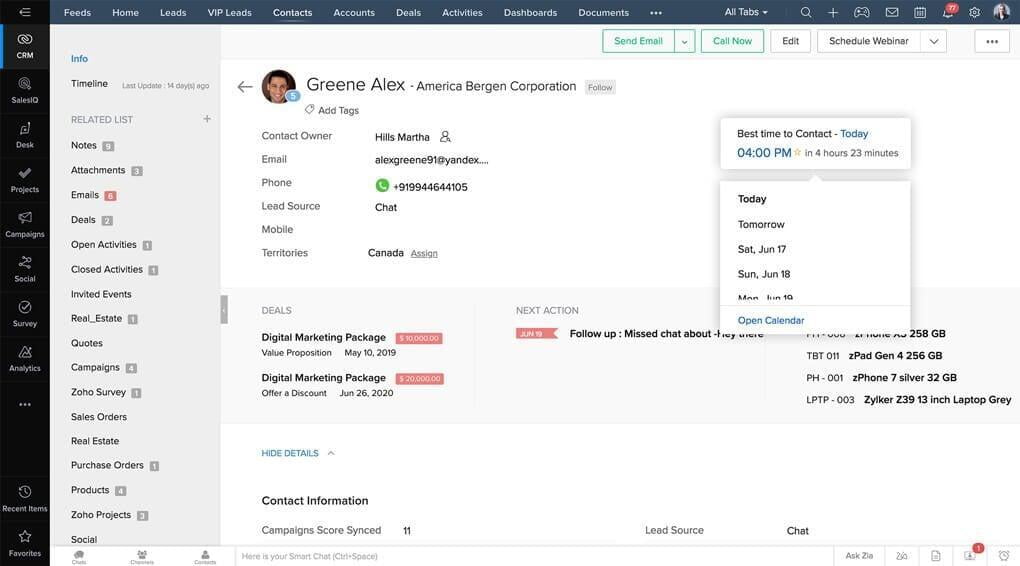
This can help you generate leads from multiple sources, as well as manage, score, and assign them to the right sales representatives. The system can capture leads through forms on various content management platforms, such as WordPress. Zoho also includes several additional time-saving features, such as the ability to scan business cards and convert them into digital customer records. A visual sales pipeline provides a clear overview of all your ongoing deals and helps identify which ones require your attention.
Odoo CRM can reduce manual data entry by importing information into contact records from emails and VoIP calls. You can quickly import leads from other files or a previous CRM using a column mapping tool. Additionally, you can define your next actions based on lead scoring and determine which leads show the most promise.
Integrations
We would like to dedicate a separate section to integrations with other applications. Zoho CRM seamlessly integrates with other Zoho products as well as approximately 500 third-party applications. In contrast, Odoo CRM supports up to 50. The table below provides a comparison of integrations with the most popular applications.
| Applications | Odoo | Zoho |
|---|---|---|
| PayPal | + | + |
| Gmail | - | + |
| Google Analytics 360 | - | + |
| Google Calendar | - | + |
| Constant Contact | - | + |
| Mailchimp | - | + |
| Meta for Business | + | + |
| Microsoft 365 | - | + |
| Microsoft Outlook | + | + |
| QuickBooks Online Advanced | - | + |
| HubSpot CRM | - | + |
| Shopify | - | + |
| Slack | - | + |
| Stripe | + | - |
| - | + | |
| WordPress | - | + |
| Xero | - | + |
| Zapier | + | + |
| Zendesk | - | + |
Reports and Analytics
Zoho CRM aggregates data from multiple analytical tools, allowing you to ground your actions and customer interactions in data. Its analytics engine processes everything from leads and deals to tasks and emails, helping you track every movement across your sales cycle. You can choose from pre-built standard reports or customize them for specific clients or stakeholders, using various chart types for quick visual data comprehension. Zoho CRM includes tools to compare actual vs. target performance, calculate or benchmark key performance indicators (KPIs), and segment metrics across different groups. Furthermore, if you opt for Zoho One, you automatically gain access to Zoho Analytics—advanced data intelligence software that enables you to quickly generate visually compelling data visualizations and actionable dashboards.
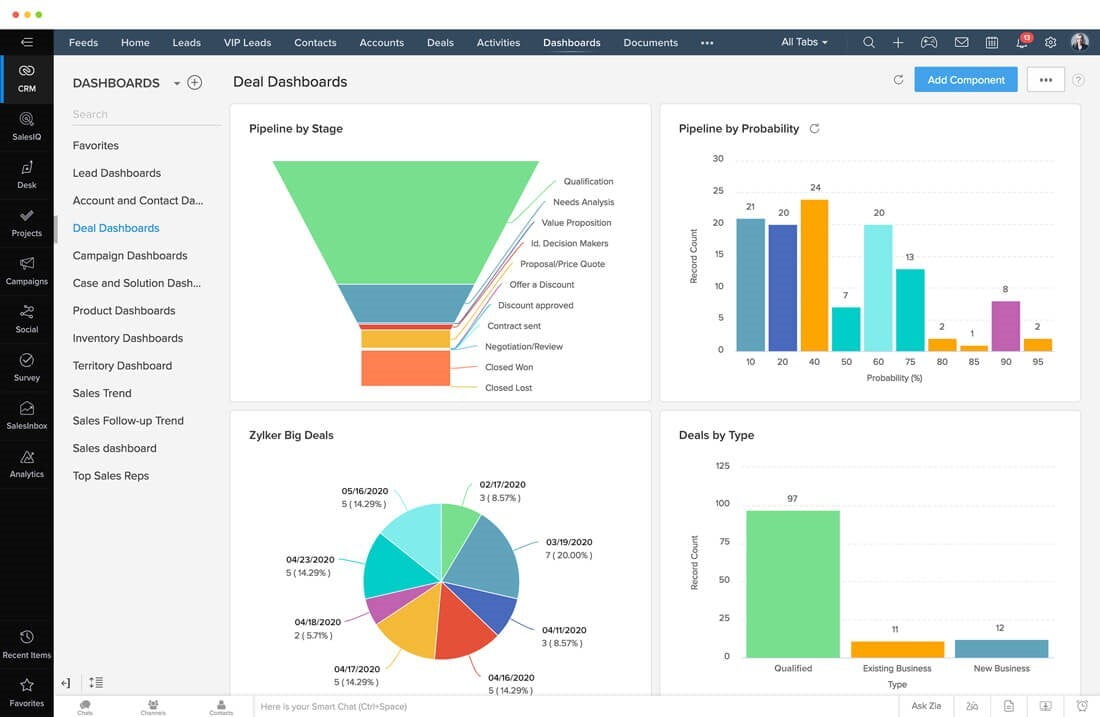
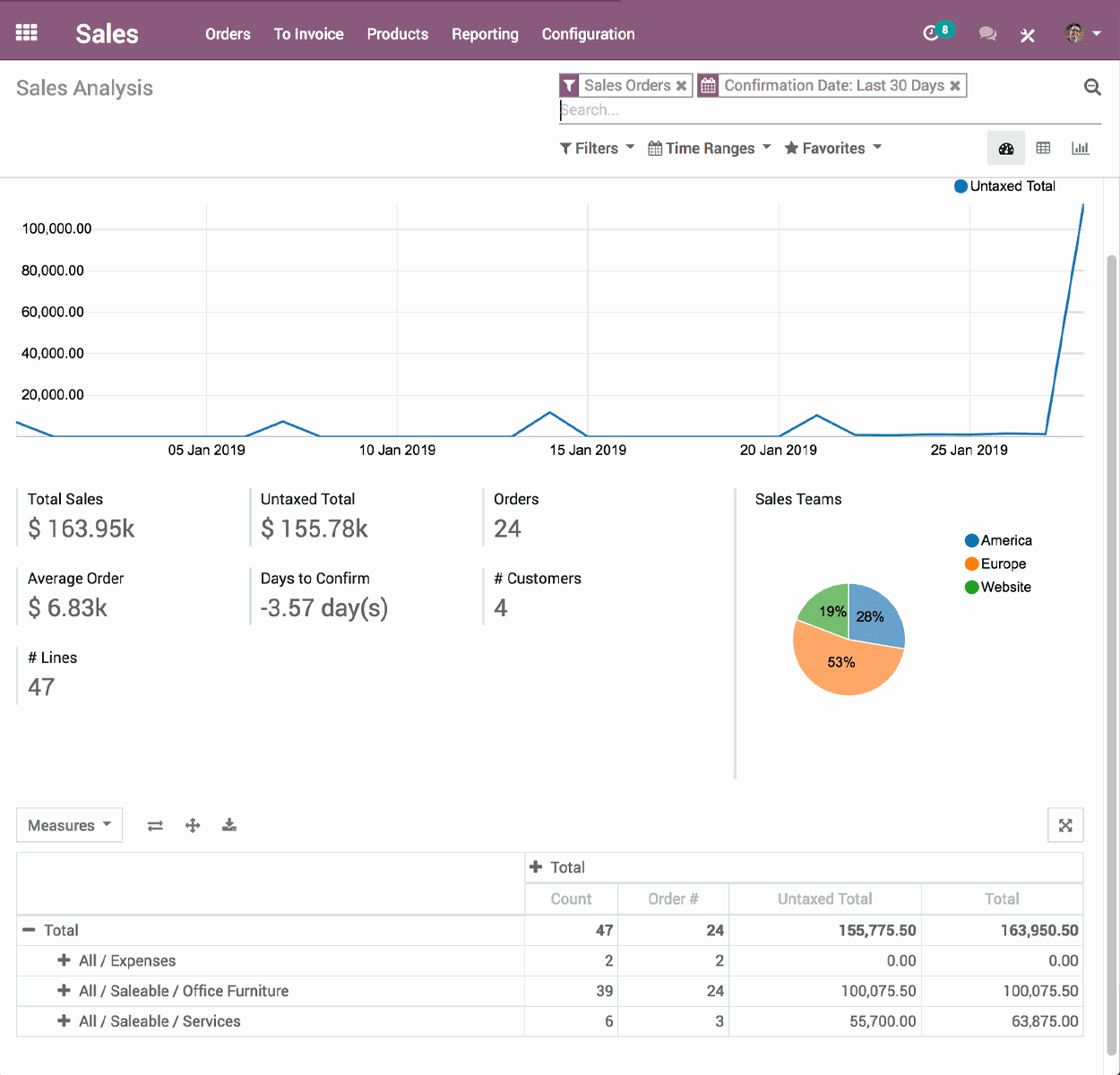
Here is a detailed feature comparison table offered by each platform:
| Features | Odoo | Zoho |
|---|---|---|
| Two-Factor Authentication | - | + |
| API | + | + |
Calendar Management | + | + |
| Contact Management | + | + |
| Contact Sharing | + | + |
Customer Management | + | + |
| Dashboards | + | + |
Data Export | + | + |
| Data Import | + | + |
| Data Visualization | - | + |
Email Integration | + | + |
External Integrations | + | + |
| File Sharing | - | + |
File Transfer | - | + |
| Google Apps Integration | + | + |
Lead Management | + | + |
| Lead Scoring | - | + |
| Marketing Automation | + | + |
| Multi-User | - | + |
Scheduling / Calendar | + | + |
Social Media Integration | + | + |
Task Planning / Tracking | + | + |
Third-Party Plugins / Add-ons | + | + |
| Call Tracking | - | + |
| Click-to-Dial | - | + |
Sales Automation | + | + |
| Pipeline Management | + | + |
Free Version | + | + |
| Price Starting From (per user) | 24$ | 14$ |
Conclusion
Both Odoo and Zoho offer promising CRM solutions to meet the diverse needs of your business with enhanced flexibility, scalability, and interoperability.
Zoho CRM is an affordable yet powerful CRM solution with high ratings and strong user recommendations. It is a stable platform that has evolved continuously since its initial launch in 2005. The inclusion of Zia—an AI-powered assistant capable of interacting via voice and text—highlights the modern technology built into the system. There is even a developer edition that allows you to customize your CRM solution with low-code capabilities and custom widgets for web and mobile deployment. You can try the software free for 15 days.
Odoo CRM provides multiple CRM options as a modular solution. You can start with only what you need and add applications as your business grows.
The choice is ultimately yours, but Odoo CRM still lags behind Zoho CRM across many core features.