Zoho MCP Server: Connect Claude AI to Zoho CRM
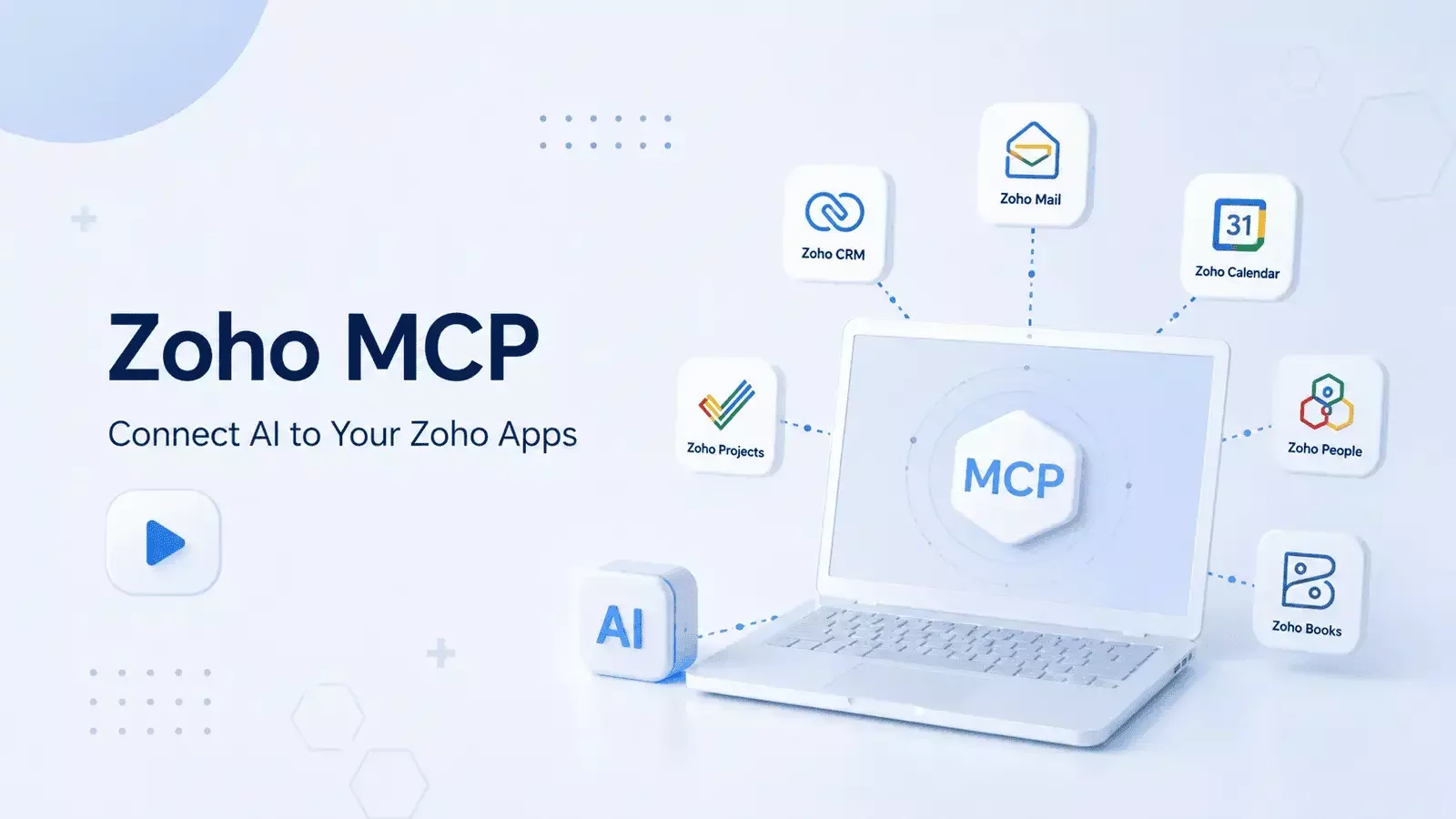
Artificial Intelligence is becoming much more powerful when it can work directly with your business applications instead of simply generating text. With Zoho MCP (Model Context Protocol), you can securely connect Claude AI to the Zoho ecosystem and automate everyday tasks across Zoho CRM, Zoho Mail, Zoho Calendar, Zoho Projects, Zoho People, and Zoho Books.
What Is Zoho MCP?
Zoho MCP is Zoho's implementation of the Model Context Protocol, allowing AI assistants to securely interact with your Zoho applications.
Instead of manually copying information between your CRM and an AI chatbot, Claude can access approved data, create records, schedule meetings, send emails, and perform business actions directly inside your Zoho environment.
How to Set Up Zoho MCP
Getting started takes just a few minutes.
Create an MCP server in the Zoho MCP dashboard.
Select the Zoho applications you want to connect, such as Zoho CRM, Zoho Calendar, and Zoho Mail.
Enable only the permissions your workflow requires, such as creating or searching records. Avoid unnecessary delete permissions.
Authorize the connection using Zoho's Native Connection.
Copy the generated MCP URL and add it as a custom connector in Claude Desktop.
Once connected, Claude can securely communicate with your Zoho applications.
Automate Sales with Zoho CRM
With Zoho CRM connected, Claude can complete an entire sales workflow from a single prompt.
For example, it can:
Create a new lead
Check your calendar availability
Schedule a meeting
Draft and send a follow-up email using Zoho Mail
Instead of switching between multiple applications, AI handles the entire process while requesting approval for sensitive actions.
How Zoho MCP Works in Practice
Ready to see Zoho MCP working in a real business environment? These two short videos walk you through the setup process and demonstrate how AI can securely interact with your Zoho applications to automate everyday work—without manual copying or switching between tools.
Extend Automation Across Your Business
Zoho MCP isn't limited to CRM. By connecting additional Zoho applications, you can automate work across multiple departments. Zoho People helps automate employee onboarding and check team availability before new hires start. Zoho Projects can automatically create projects, milestones, tasks, and deadlines based on a project brief. Zoho Books allows Claude to review overdue invoices, summarize outstanding balances, and draft payment reminder emails.
The real advantage comes from combining these applications into a single workflow. For example, Claude can verify that an invoice has been paid in Zoho Books, activate a project in Zoho Projects, and notify the customer by email—all from one prompt.
Ready to Improve Your Zoho CRM?
Zoho MCP helps businesses eliminate repetitive work by connecting AI directly to the Zoho ecosystem. Whether you want to automate sales, projects, finance, or HR, a well-designed MCP implementation can save hours every week while improving productivity.
CRMOZ helps businesses implement Zoho MCP, integrate Claude AI with Zoho CRM, and build secure AI-powered workflows tailored to their business processes.
Looking to automate your Zoho applications with AI? Contact the CRMOZ team to start building smarter business workflows today.