How to Migrate Data to Zoho CRM Without Losing Information
Migrating to a new CRM can transform the way your business manages leads, customers, and sales processes. However, without a structured approach, CRM migration can lead to data loss, duplicate records, broken automations, and reporting issues.
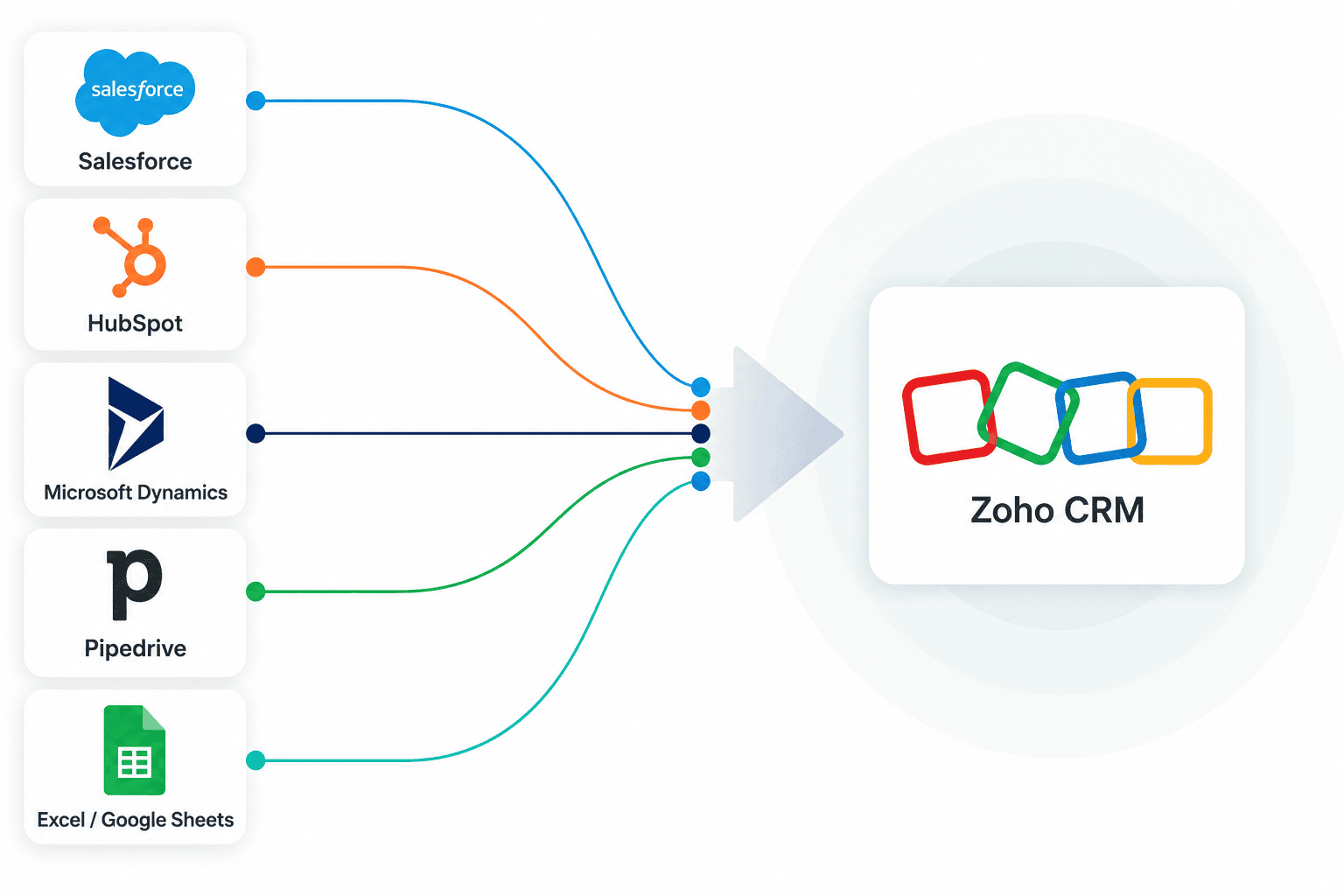
This comprehensive Zoho CRM Data Migration Guide explains how to migrate data to Zoho CRM safely, efficiently, and without disrupting your business operations. Whether you're moving from Salesforce, HubSpot, Microsoft Dynamics, Pipedrive, or spreadsheets, this step-by-step framework will help ensure a successful migration.
A successful migration involves much more than importing CSV files. It includes:
Data auditing and cleansing
Field mapping
Zoho CRM configuration
Data validation and testing
Workflow and automation setup
Integration planning
Why Businesses Migrate to Zoho CRM
Organizations typically migrate to Zoho CRM when they need:
A more affordable alternative to Salesforce
Better CRM customization options
Advanced automation capabilities
Improved sales pipeline visibility
Centralized customer data management
Better reporting and analytics
Popular migration scenarios:
Salesforce to Zoho CRM migration
HubSpot to Zoho CRM migration
Microsoft Dynamics migration to Zoho CRM
Pipedrive to Zoho CRM migration
Excel spreadsheet migration to Zoho CRM
1. Audit and Clean Existing CRM Data
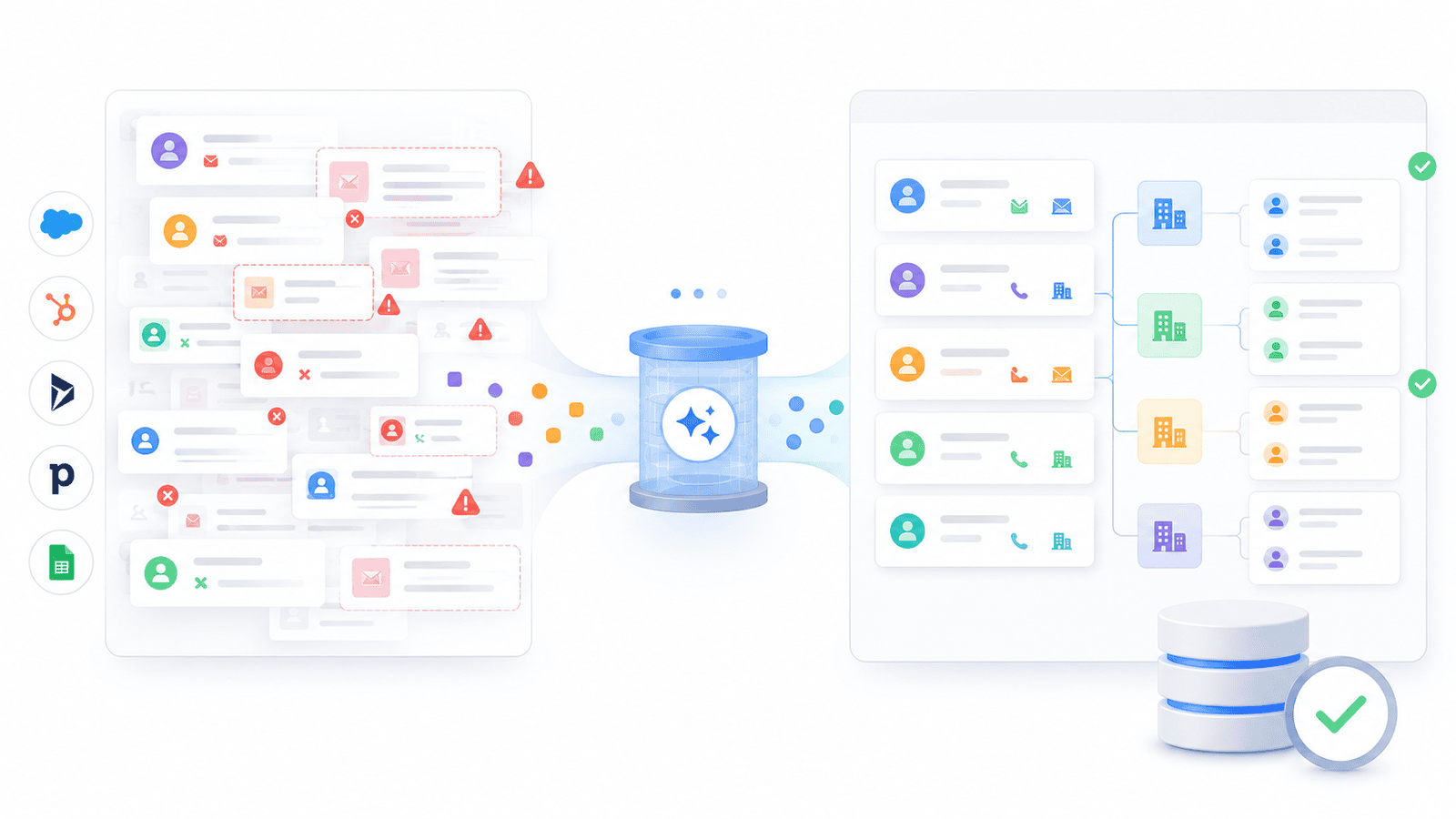
Before migration begins, evaluate the quality of your current data and eliminate potential issues.
Review:
Total record counts
Duplicate contacts and accounts
Empty or outdated fields
Historical activities and notes
Custom fields and relationships
Then clean and standardize your records by:
Removing duplicates
Standardizing company names
Normalizing phone numbers
Cleaning email addresses
Removing obsolete leads
Updating incomplete records
2. Create a Field Mapping Strategy
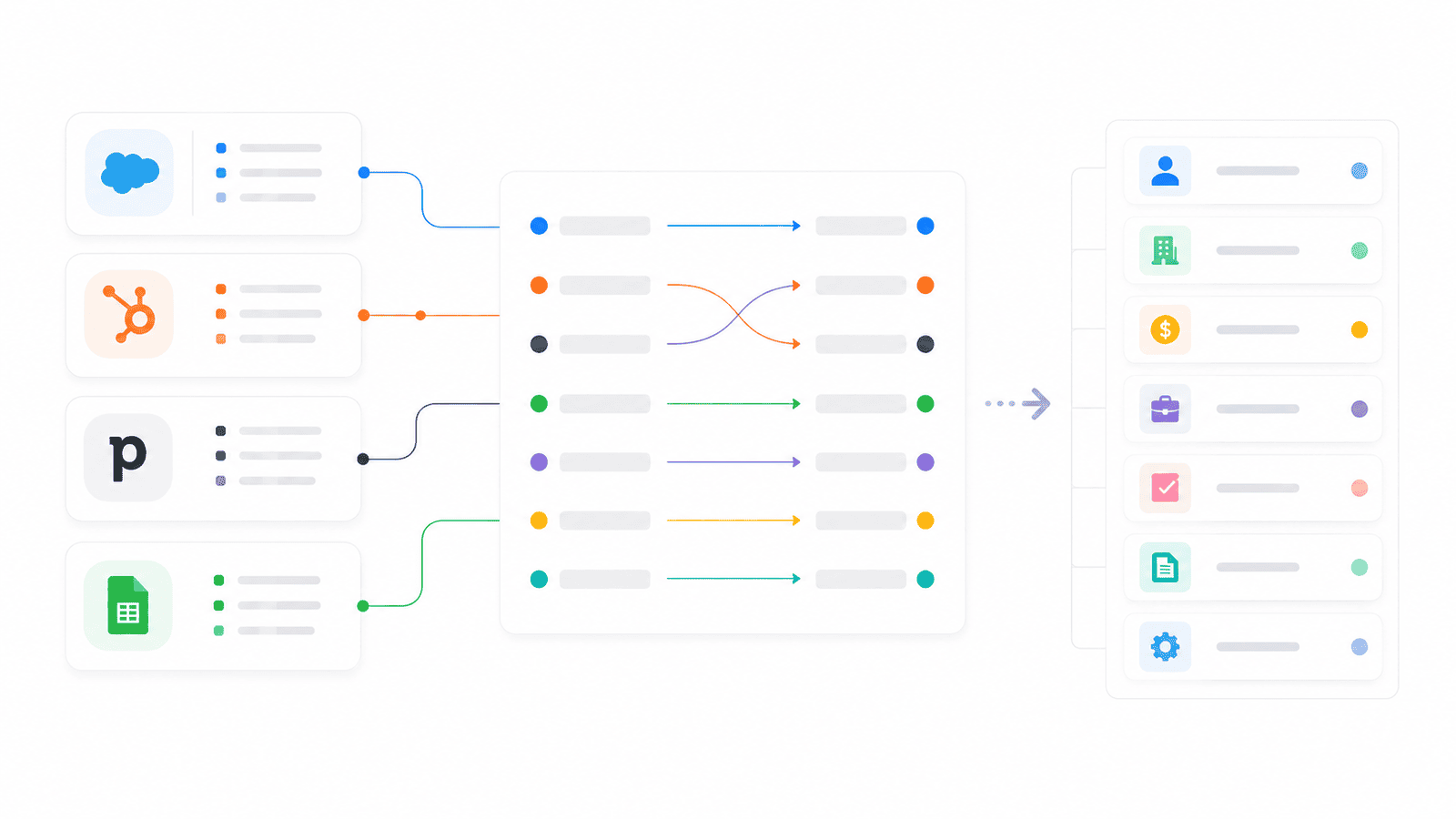
Field mapping determines how information from your existing CRM will be transferred into Zoho CRM.
Document:
Source field names
Destination fields in Zoho CRM
Data transformations
Custom field requirements
Picklist value mappings
A detailed mapping plan ensures data consistency and prevents information loss during migration.
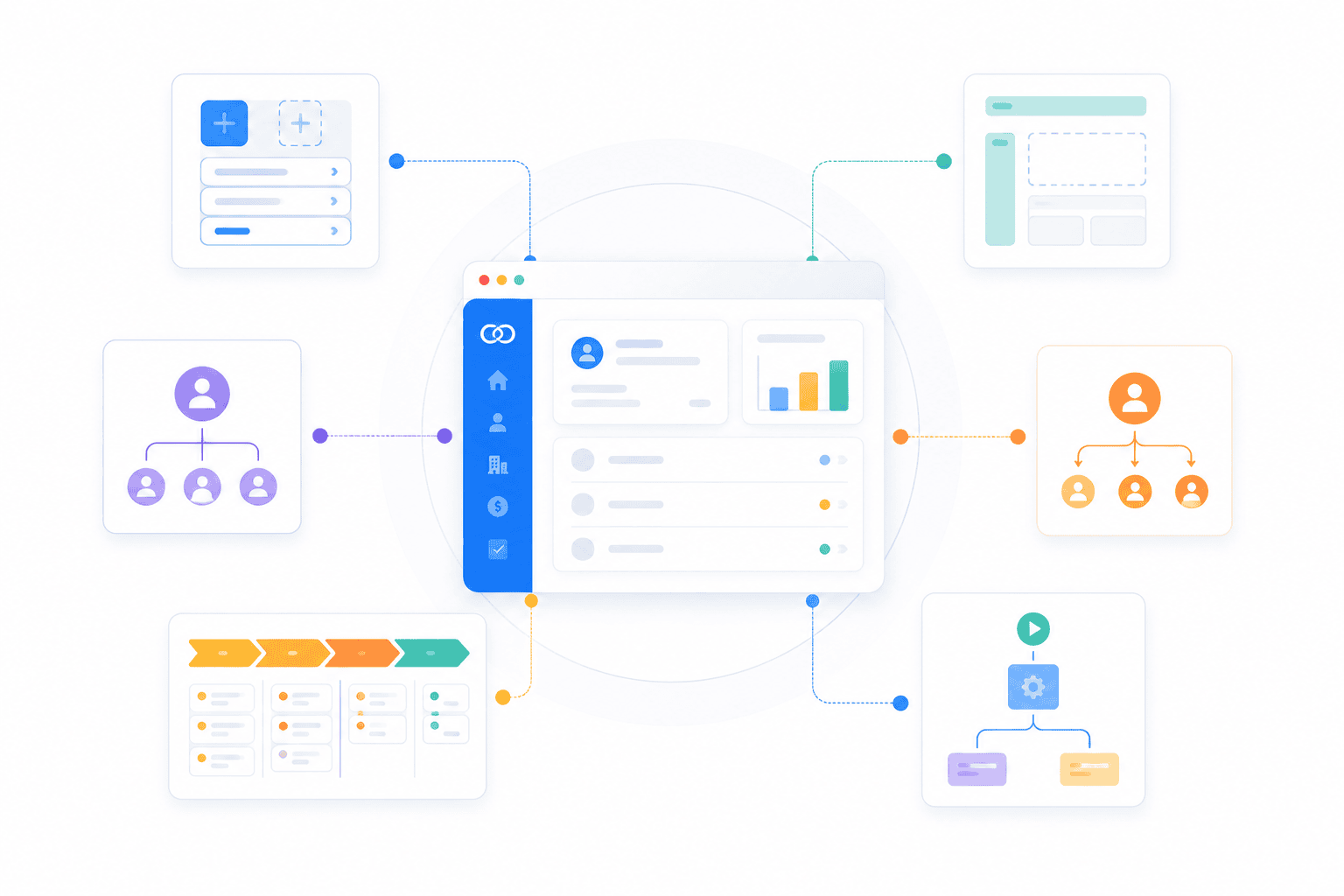
3. Configure Zoho CRM Before Migration
One of the most common migration mistakes is importing data before the CRM is fully configured.
Before migration, set up:
Custom modules and fields
Page layouts
User roles and permissions
Assignment rules
Sales pipelines
Workflow automation foundations
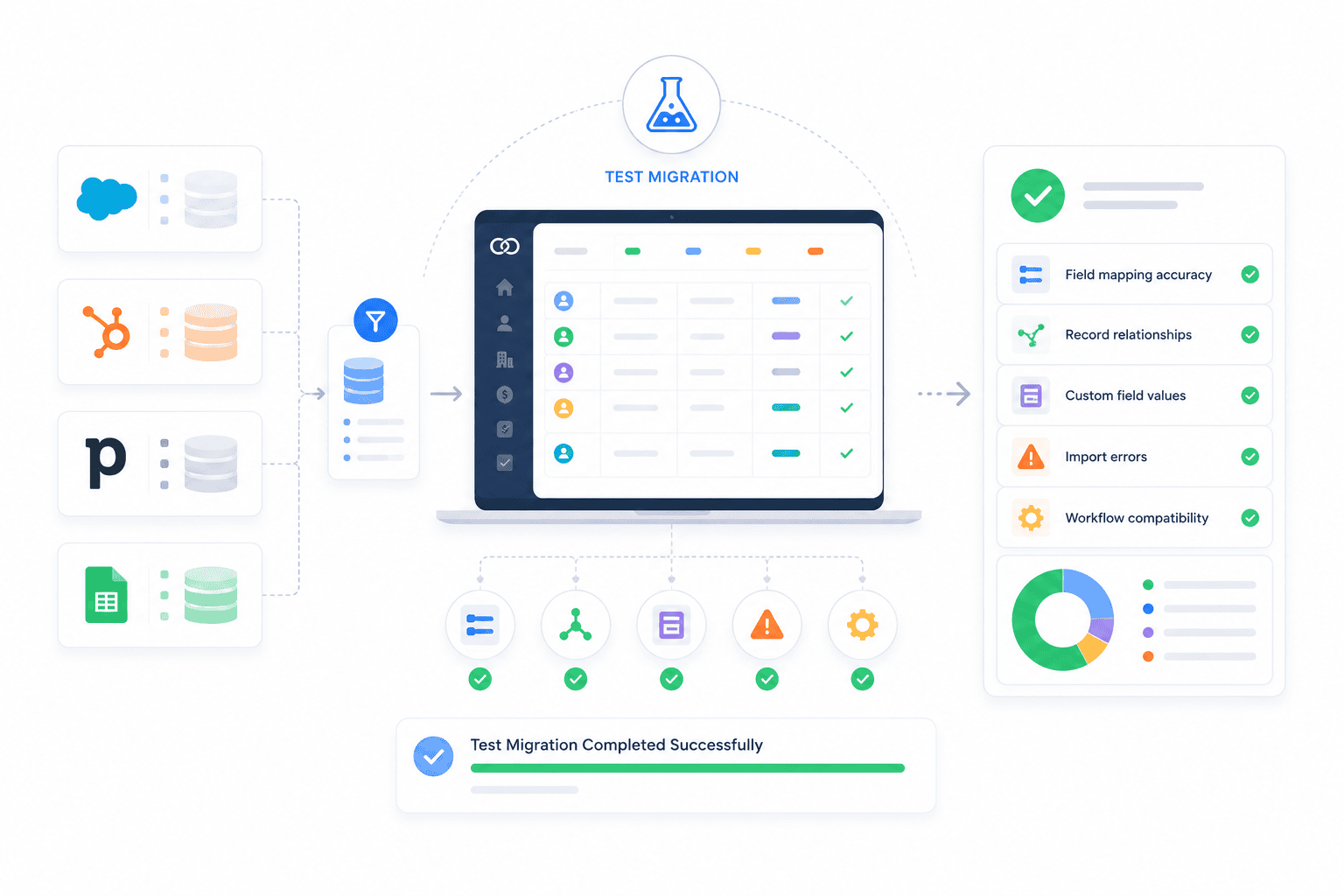
4. Run a Test Migration
Never perform a full migration without testing.
Import a sample dataset and verify:
Field mapping accuracy
Record relationships
Custom field values
Import errors
Workflow compatibility
Testing helps identify and resolve issues before they affect your entire database.
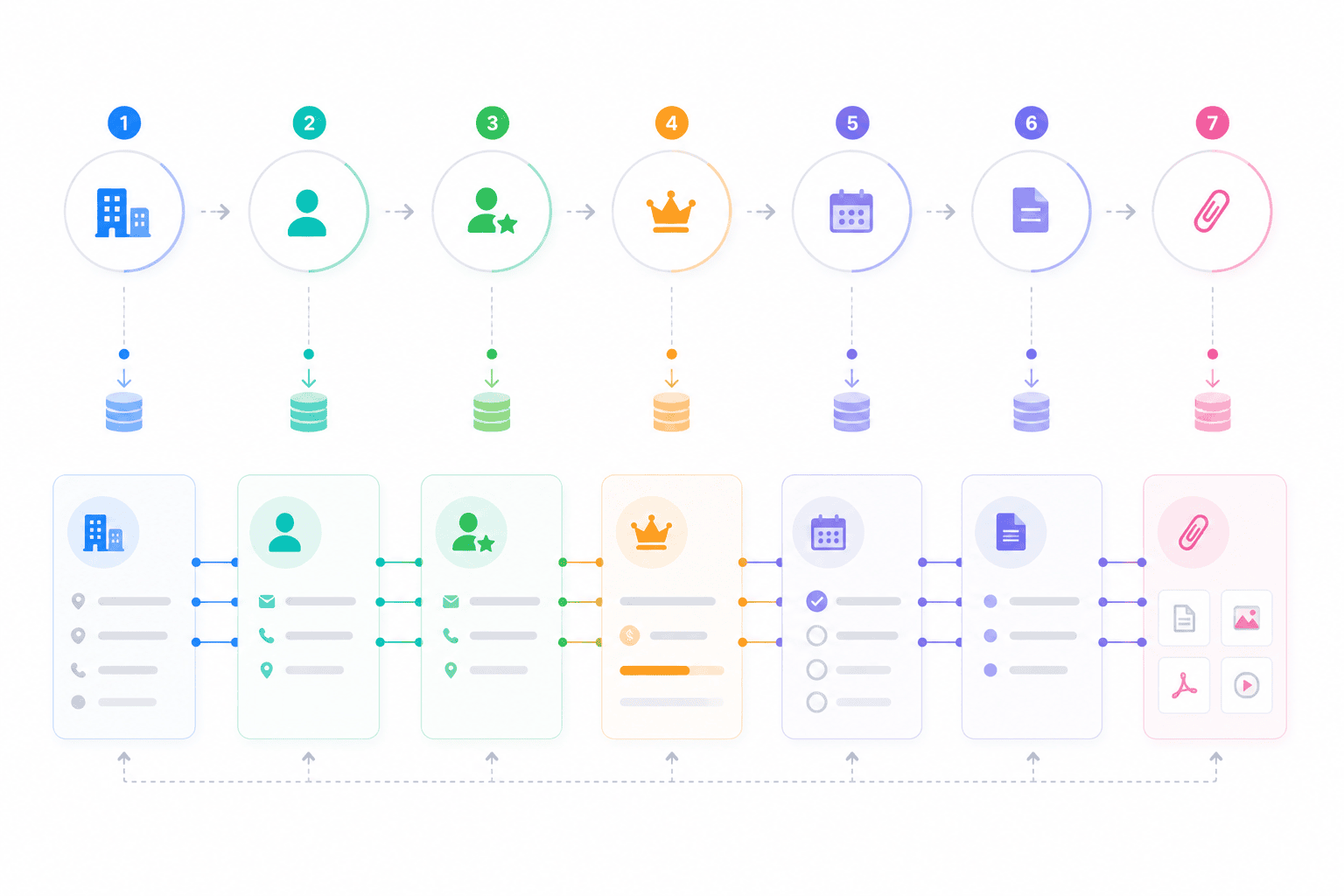
5. Import Data in the Correct Order
To preserve relationships between records, import data in the following sequence:
- Accounts
- Contacts
- Leads
- Deals
- Activities
- Notes
- Attachments
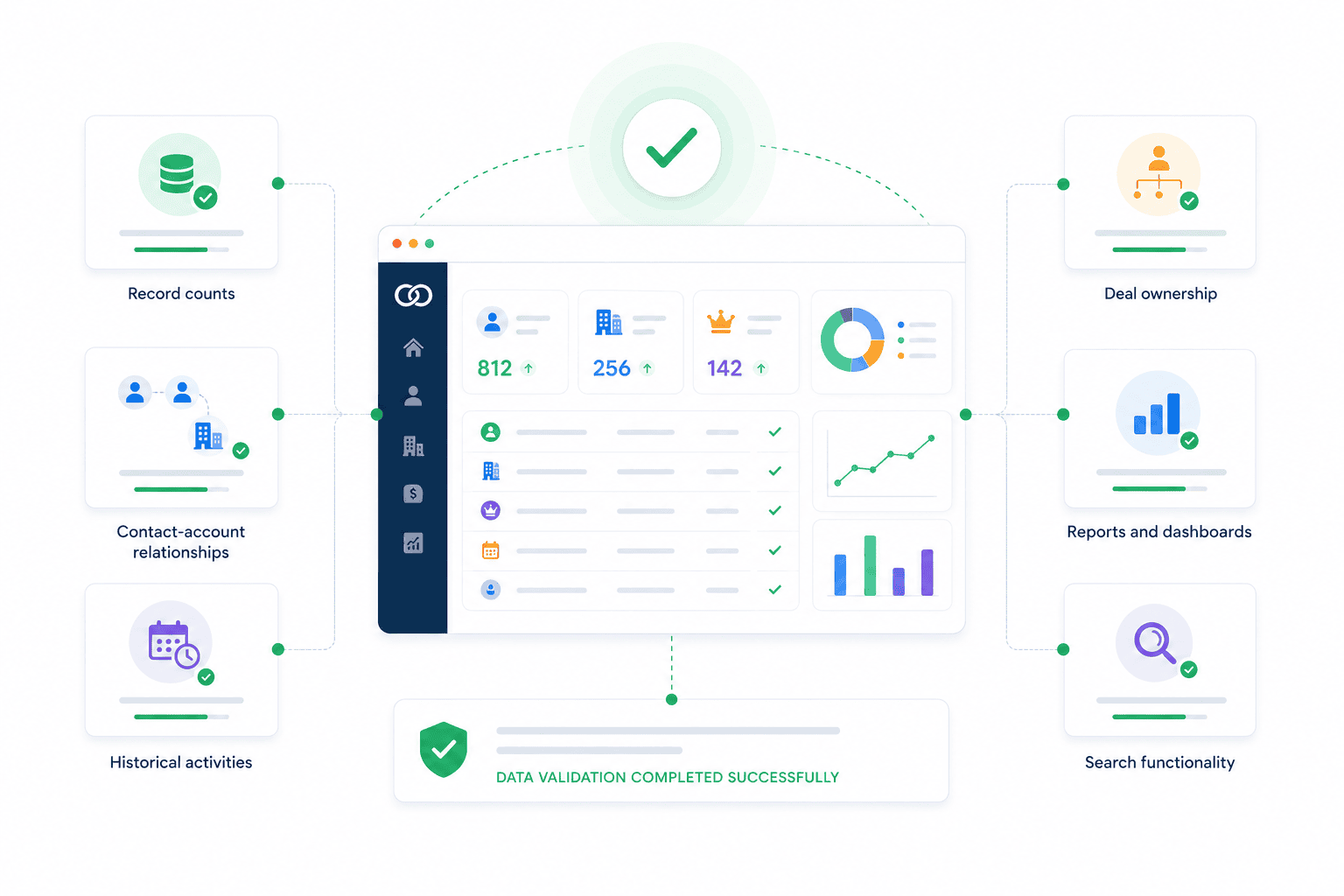
6. Validate and Verify Data Accuracy
After migration, conduct a complete quality assurance review.
Verify:
Record counts
Contact-account relationships
Deal ownership
Historical activities
Reports and dashboards
Search functionality
Comprehensive validation ensures confidence in your new Zoho CRM environment.
7. Activate Automation and Integrations
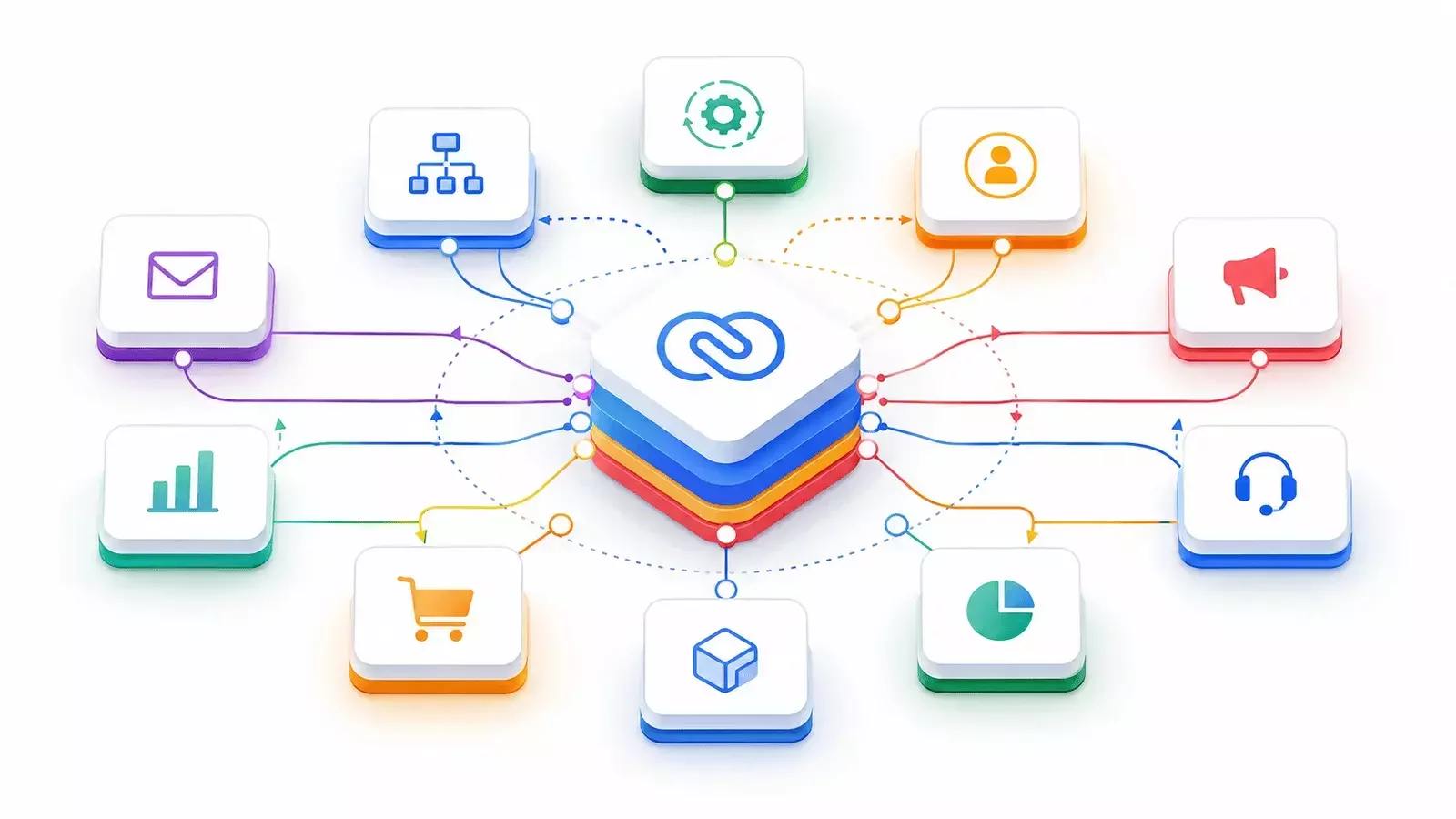
Workflow rules
Blueprint processes
Lead assignment automation
Email integrations
Marketing integrations
ERP connections
Customer support integrations
Zoho CRM Migration Checklist
Pre-Migration
✅ Complete data audit
✅ Remove duplicates
✅ Clean records
✅ Finalize field mapping
✅ Configure Zoho CRM
✅ Create custom fields
✅ Complete test migration
Migration
✅ Import records in proper order
✅ Resolve import errors
✅ Verify relationships
✅ Validate migrated data before launch
Post-Migration
✅ Validate record counts
✅ Test reports and dashboards
✅ Enable automation
✅ Connect integrations
✅ Train users
✅ Retain backup access to legacy CRM
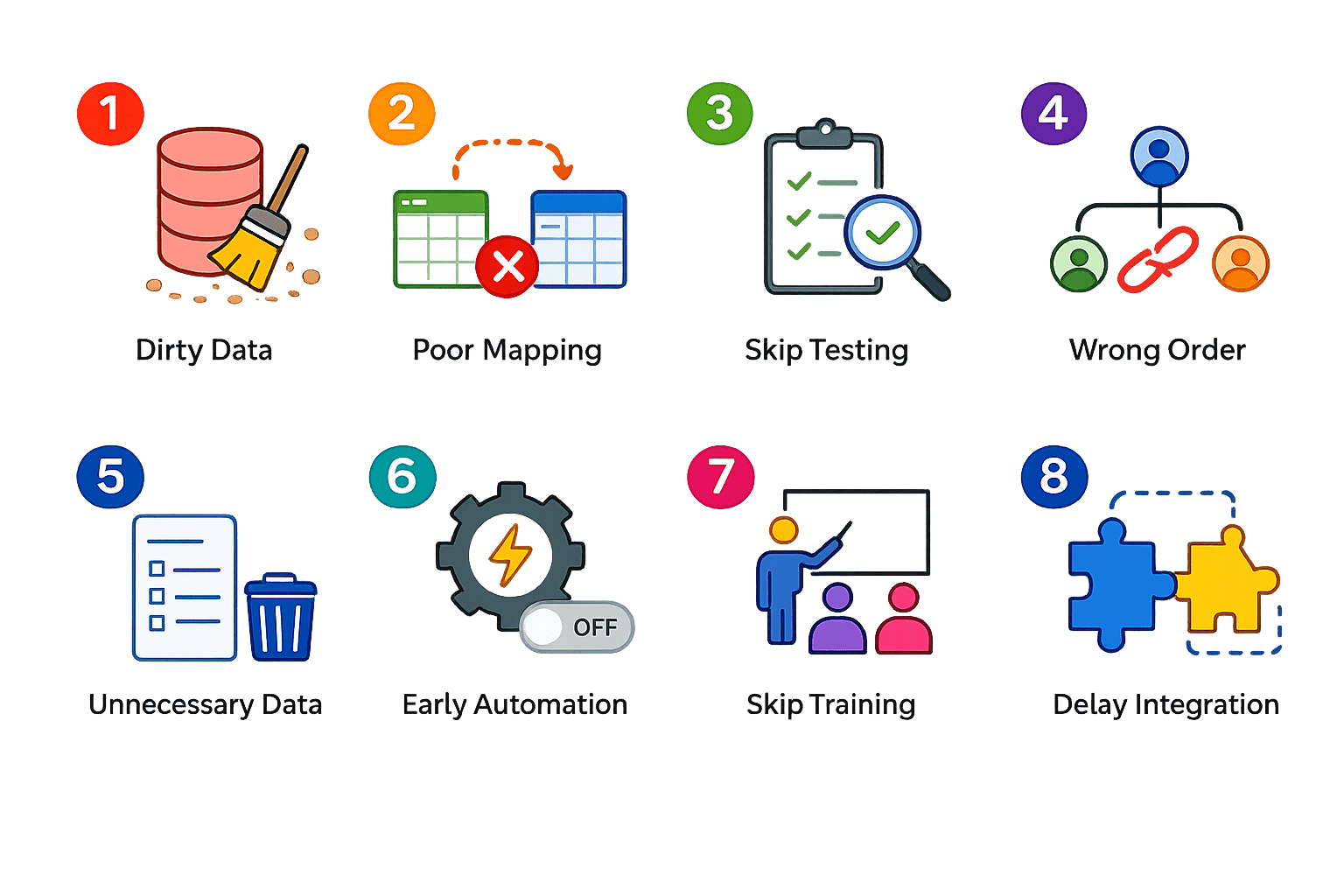
Common Zoho CRM Migration Mistakes
Planning a Zoho CRM Migration?
Whether you're moving from spreadsheets or migrating from Salesforce, HubSpot, or another CRM platform, CRMOZ can help you migrate, customize, integrate, and optimize Zoho CRM with confidence.