Tableau vs Zoho Analytics
Data analysis is an integral part of modern business. Companies require powerful tools that help them extract valuable insights from data and make informed strategic decisions. Zoho Analytics and Tableau are two popular tools in the business intelligence space, offering a wide array of features and capabilities. In this article, we will conduct a comparative analysis of the primary features and capabilities of these two systems.
1. Data Visualization:
1. Data Visualization:
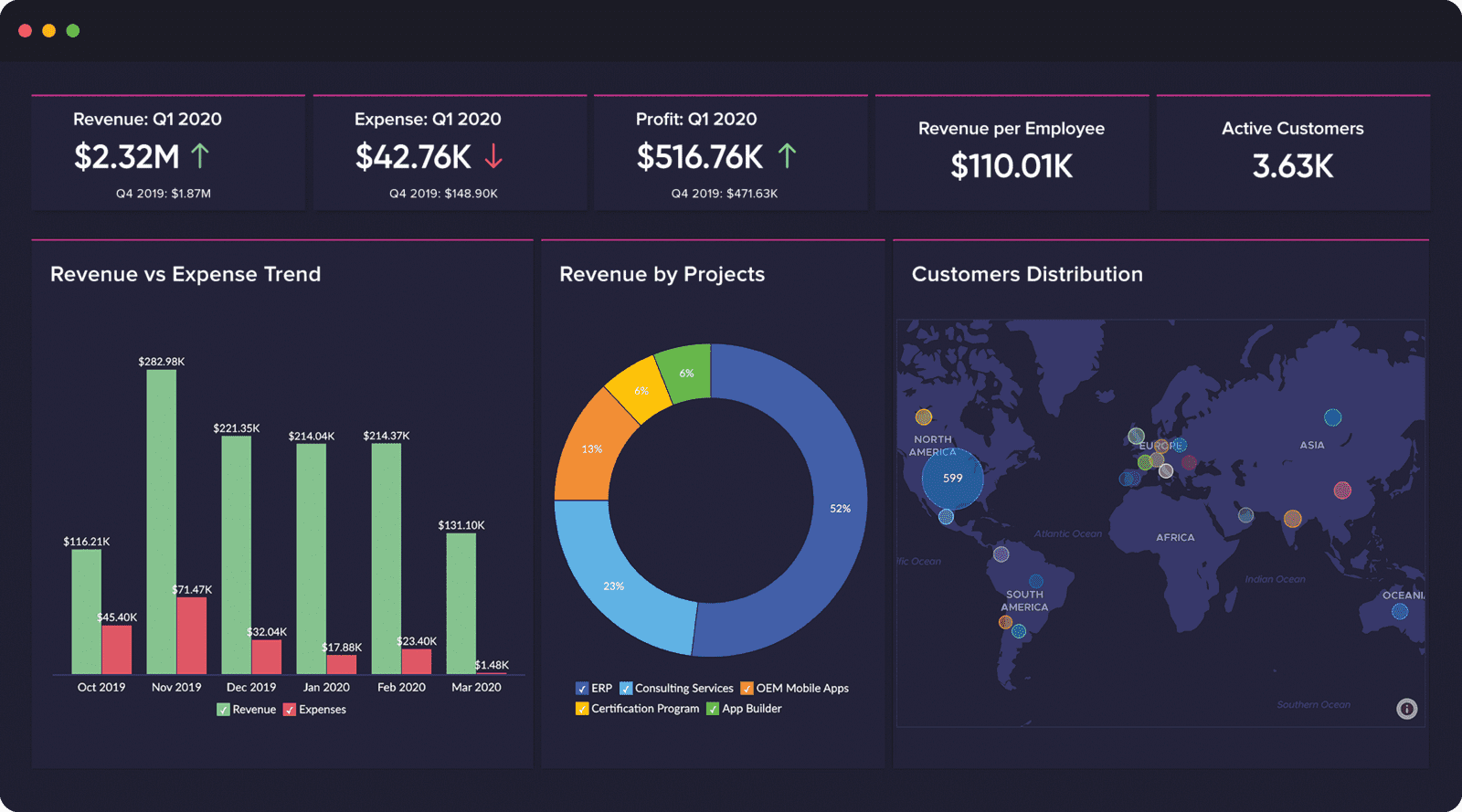
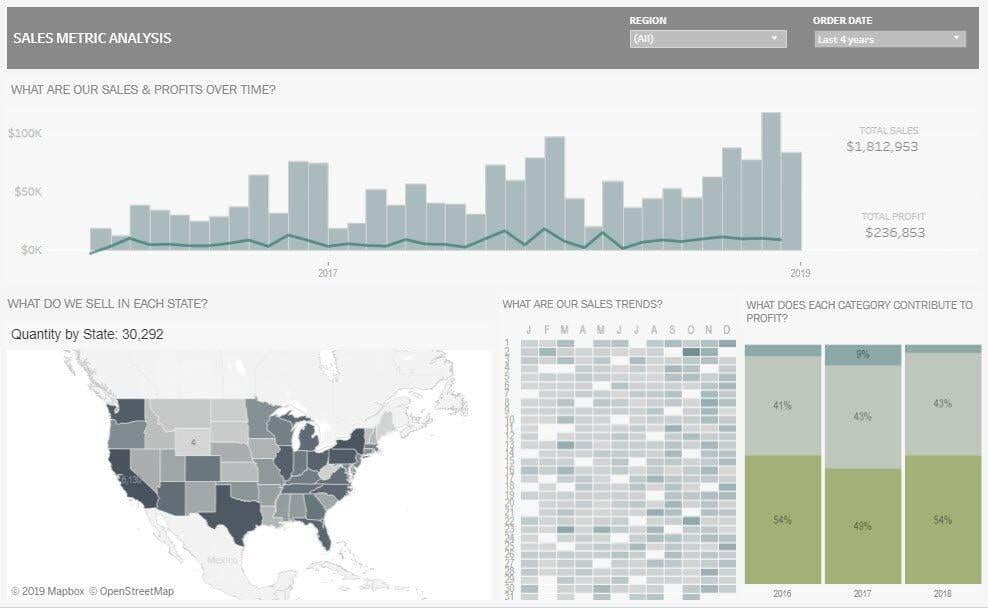
When it comes to presenting data, visualization plays a key role. Zoho Analytics offers a wide range of graphical tools that allow you to create colorful and interactive dashboards. You can choose from various chart types, including bar, pie, line charts, and heat maps. Additionally, you can add filters and view data in real time. Tableau, on the other hand, also offers advanced visualization capabilities, but it can be complex to use for beginners.
Conclusion: Zoho Analytics provides a simpler and more intuitive interface for creating beautiful and informative charts.
2. Integration with Other Applications:
3. Cost and Accessibility:
Price plays an important role when choosing data analysis software. Zoho Analytics offers much more affordable pricing plans, ranging from a free version to paid packages that offer more advanced features. Meanwhile, Tableau is a more expensive solution, especially for small and medium-sized companies.
4. Collaboration Capabilities:
Both programs, Zoho Analytics and Tableau, offer features for teamwork, but they have some differences.
Zoho Analytics:
Allows creating and organizing workspaces for collaborative work on projects.
Users can share and exchange reports, dashboards, and other analytical data.
Provides the ability to assign various user access levels, defining permissions for editing, viewing, or sharing.
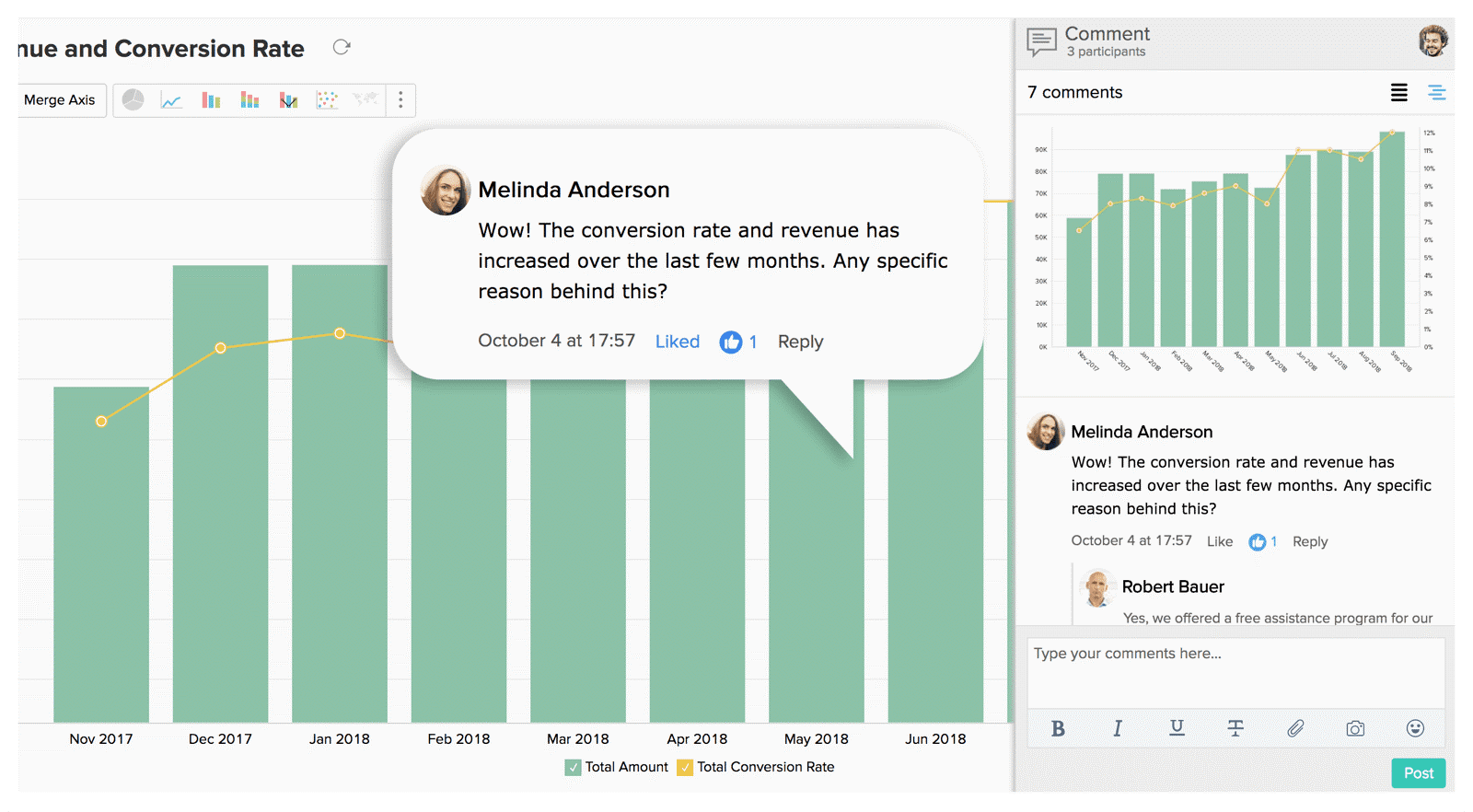
Built-in tools for collaborative editing and annotations enable teams to exchange comments and feedback.
Tableau:
Offers the ability to create and publish dashboards and reports in a cloud environment via Tableau Server, making them accessible to other users for viewing and editing.
Through Tableau Online and Tableau Public functionality, users can collaborate on projects in the cloud.
Supports commenting and feedback features so teams can exchange notes and suggestions.
Overall, both programs provide teamwork features that allow users to share data and collaboratively edit analytical resources. However, Zoho Analytics provides a simpler and more accessible tool for collaboration.
The choice between Zoho Analytics and Tableau depends on your company's individual needs and budget. Both systems offer a broad set of features and capabilities for business intelligence, so the decision will ultimately come down to your specific requirements.
Below is a comparison table of the main features of these applications:
| Features | Zoho Analytics | Tableu |
|---|---|---|
| Data Integration | 250+ real-time data connectors | 120 +real-time data connectors |
| Native Data Preparation | Zoho DataPrep | Tableau Prep |
| Automated Data Blending |  |  |
| Pre-built analytics | Detailed insights for 100+ business applications | Advanced suite for 5 business applications |
| Augmented BI | AAsk Zia (NLQ), Zia Insights (NLG), Cognitive Analytics. Multi-language support | Ask Data, Explain Data, Einstein Discovery |
| Predictive Analytics | Wide range of custom forecasting models. Machine-learning-based scenario analysis | Limited forecasting customization |
| Data Storytelling | Presentation builder with embedded reports, custom portals, and Zia Insights | Support for presentations, portals, and partner-provided automated analytics |
| Localization | 23 languages | 10 languages |
| API Support | Extensive | Extensive |
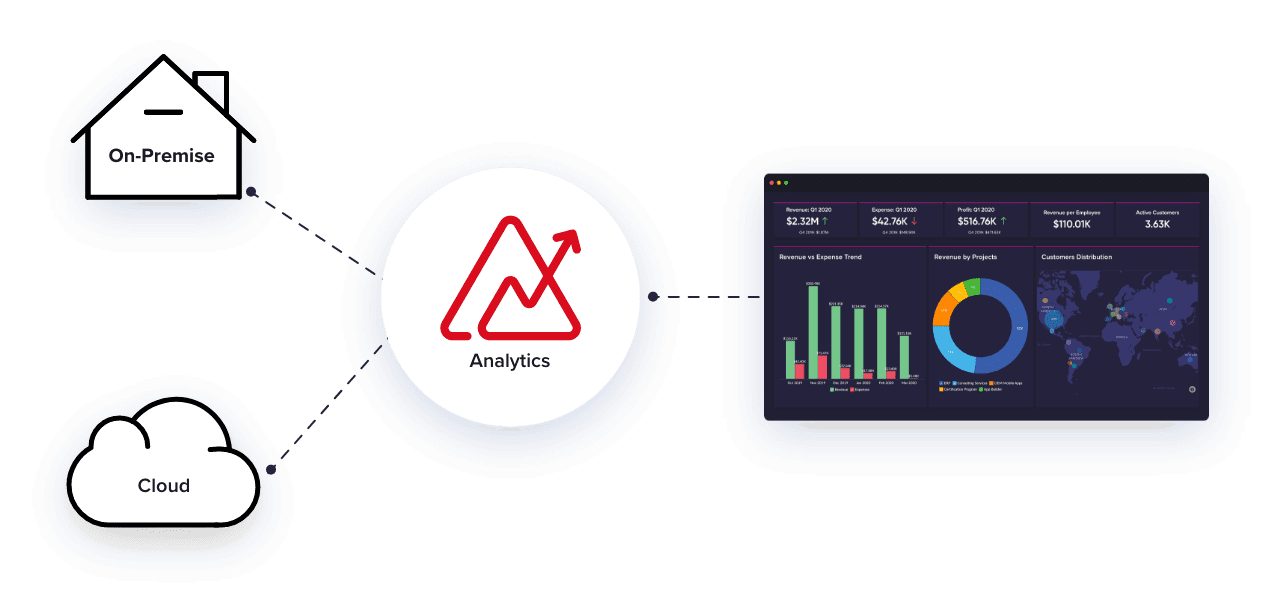
| Deployment Options | On-premise, Zoho cloud service, public and private cloud | On-premise, fully hosted on Tableau, public cloud |
| Security & Privacy | ISO/IEC 27001, 27017, 27018, SOC 2 Type 2, GDPR, HIPAA | ISO 27001, SOC Type II, GDPR |
| Scalability | Zoho-owned platform infrastructure provides broad scaling capabilities | Based on user licenses or hardware/CPU cores |
| Licensing | User-based | User-based |
| Pricing | Cloud: starting from $30 USD for 2 users / month. On-premise: starting from $45 USD for 5 users / month. | Cloud & On-premise: starting from $70 USD per user / month for Tableau Creator |
Why Should You Choose Zoho Analytics?
Why Should You Choose Zoho Analytics?
Flexible Deployment
Forget about complex deployment models and expensive licensing. With Zoho Analytics, you can choose between an easy-to-use, fully cloud-based or on-premise deployment model without the need to purchase additional components. Both deployment models are independent, meaning you can buy the cloud or on-premise version, pay only for the required number of users, and analyze your data without any hidden extra costs.
[Try Zoho Analytics]
Unified Analytics
Don't let data silos prevent you from seeing the big picture. Retrieve data from anywhere in the world using our pre-built integrations and bring it all under one roof to get a complete 360° view of your business in seconds. Make informed, data-driven decisions with end-to-end analytics.
Augmented Analytics
Save time gathering valuable insights and focus on bringing them to life with Ask Zia and Zia Insights. With Ask Zia, you can simply start a conversation and ask Zia all your questions to instantly receive insights in the form of KPIs and reports within seconds. Take it to the next level with Zia Insights to instantly get descriptions and explanations of important trends in your data.
Embedded Analytics
Independent software vendors, service providers, business consultants, and solution developers can now quickly deploy and offer clients a fully turnkey BI solution using our powerful Embedded BI and White Labeling capabilities. Seamlessly embed Zoho Analytics into your application or service, or host your own analytical portal/website under your own brand with complete rebranding.
Collaborative Analytics
Collaborate effortlessly without the need to purchase multiple components or user licenses to access business-critical information. Thanks to Zoho Analytics' granular access controls, you can share, comment, and co-create reports and dashboards with anyone in seconds. Publish your reports and dashboards, making them accessible to users whether they are logged in or not. Create custom portals or embed views into websites, intranets, blogs, and applications for broader use.
Conclusion:
Overall, Zoho Analytics offers distinct advantages over Tableau. It delivers powerful visualization tools, advanced reporting capabilities, seamless integration with other Zoho applications, affordable pricing, and ease of use. If you are looking for a data analytics platform that integrates effortlessly into your business operations and smoothly adapts to your growing needs, Zoho Analytics is the ideal choice for you.