How to Use Zoho Invoice
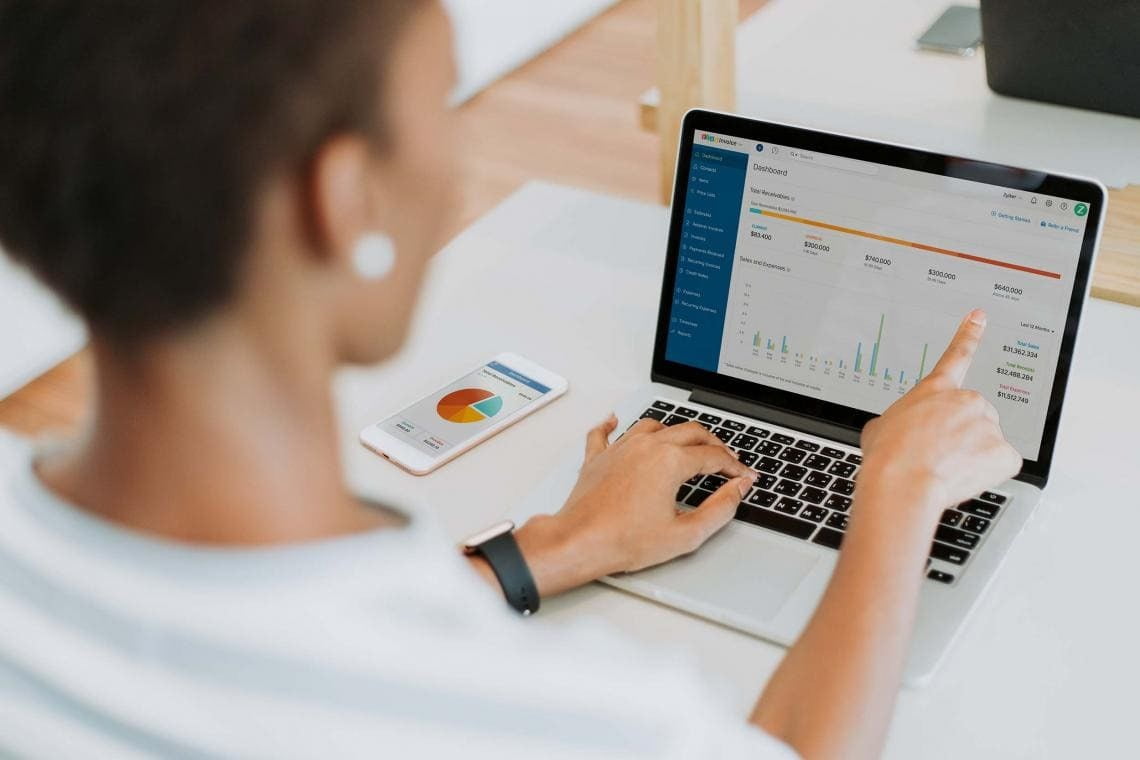
Zoho Invoice is tax document management software developed specifically for small and medium-sized businesses. Available for use on PCs and mobile devices, it allows you to configure automated solutions such as: creating projects and assigning tasks to team members, tracking task duration, accounting for expenses, issuing invoices, receiving payments, sending proposals, and much more.
Do you want a detailed guide on applying automated business solutions?
Our team works on implementing software settings that will take your business to the next level by increasing management efficiency, team productivity, brand loyalty, internal communications, and more. Furthermore, we will explain in detail how to successfully use Zoho Invoice. As a result, you will be able to customize invoice templates with your brand elements, add line items, specify quantities and rates, include applicable taxes, and work with multiple currencies.
The ZOHO Corporation platform allows you to integrate the software with other applications such as PayPal, Zoho CRM, Zoho Books, Zoho Projects, and Stripe. This impacts and enhances collaboration efficiency across various business areas. The platform also allows you to utilize analytical data when using its functionality and automated solutions. After a certain period, project participants will be able to use templates to generate performance reports on software tool usage, subsequently drafting strategic plans for brand development, financial targets, and product delivery quality.
If you are interested in using the best software for integrations with Zoho Invoice, contact us for a detailed consultation and analysis of your setup. Working with marketplaces, postal operators, SMS messaging services, social media chatbots, software POS (PPO), and many others will allow you to take your company to a new level and offer your clients the best service. Working with us will allow you to build superior strategies for boosting productivity, brand loyalty, and managing your team and partners.