How to Migrate from Salesforce to Zoho CRM & Save Money
Salesforce is undeniably a powerful platform. But when you look at the invoice every month and realize you're paying for features nobody uses — and every minor configuration requires a separate consultant — a logical question arises: are we overpaying?
That's exactly how most companies begin their journey to Zoho CRM. Not because Salesforce is bad, but because it's excessive for 80% of the businesses that use it.
This article contains no generic statements. Only specifics: numbers, steps, pitfalls, and an honest assessment of when switching makes sense — and when it's better to stay.
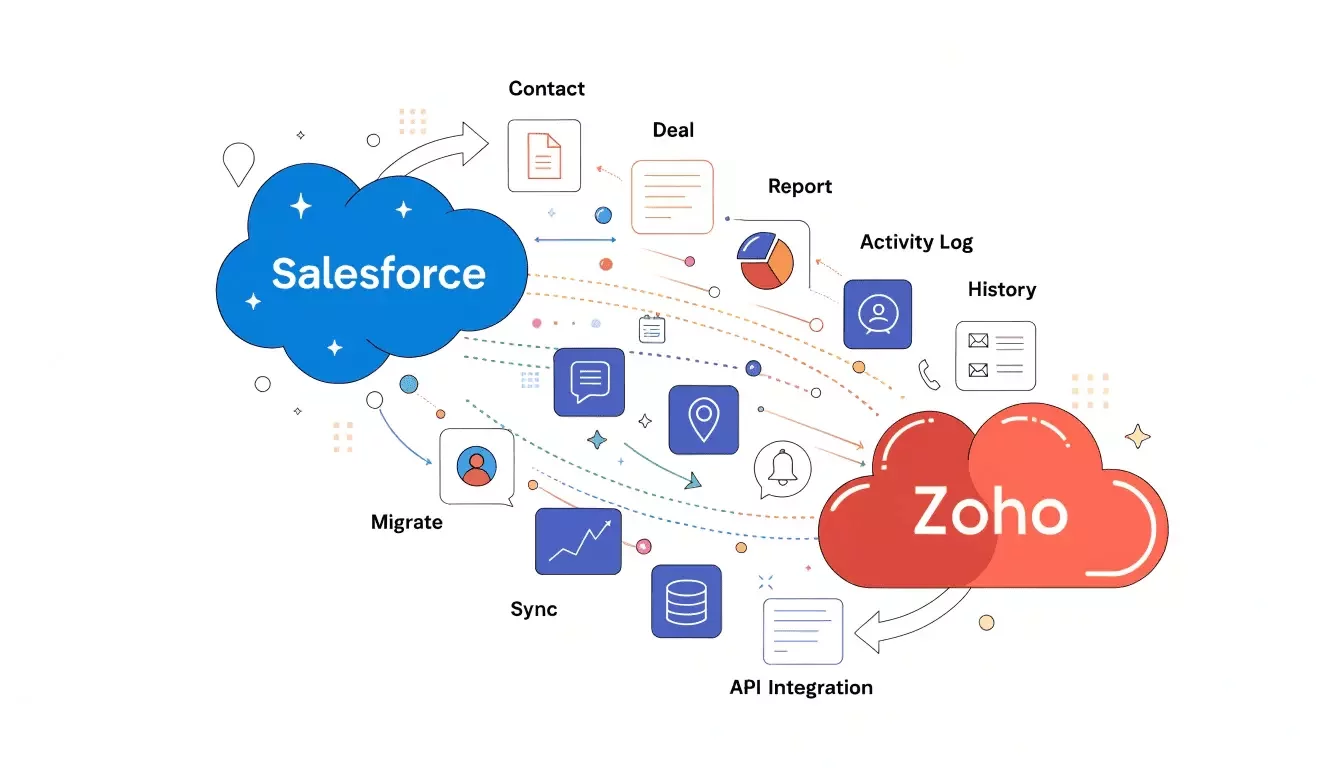
Why Businesses Switch from Salesforce to Zoho CRM
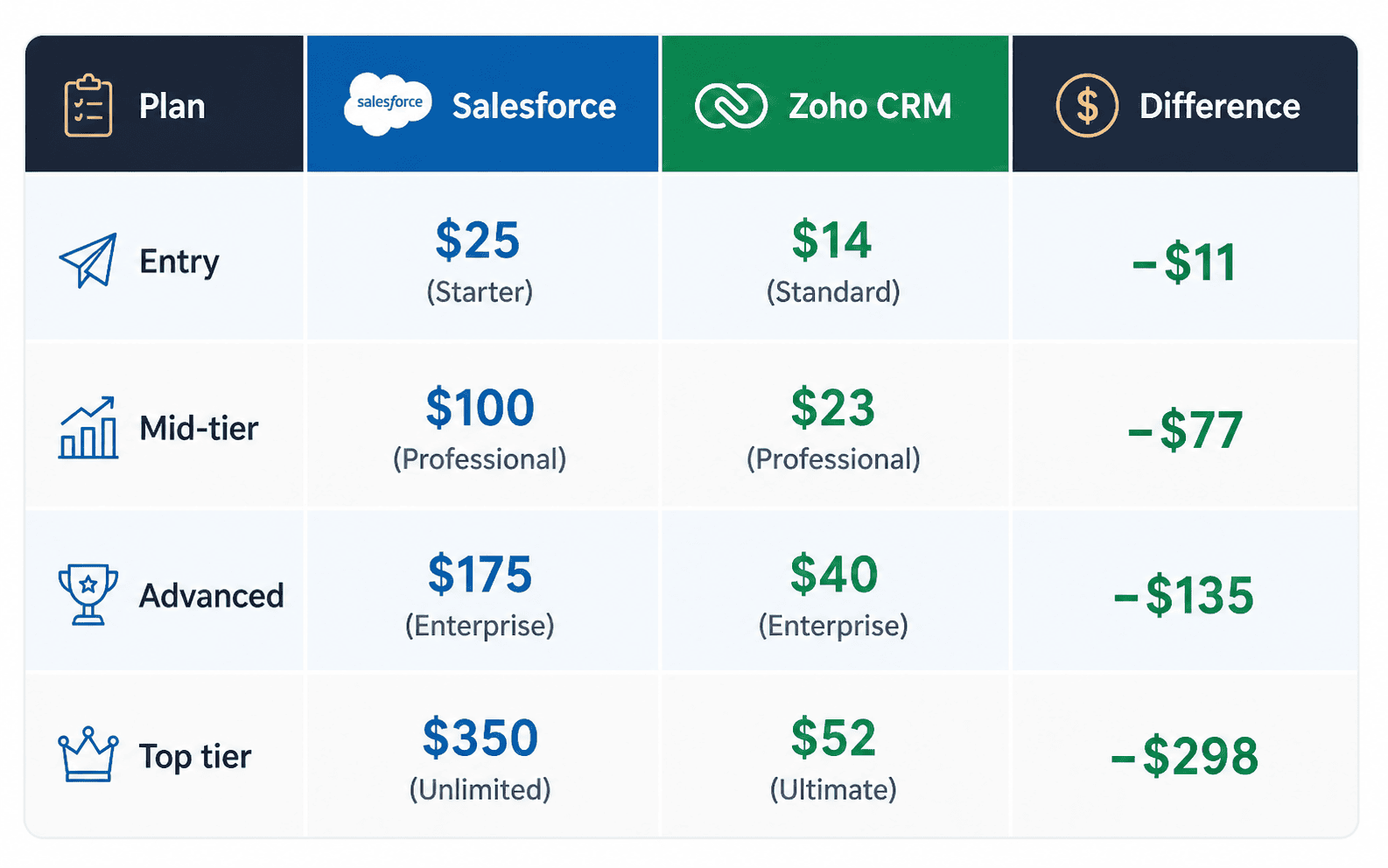
Cost: the most obvious argument
Ease of use
Salesforce was built for large enterprises with dedicated CRM administrators. Zoho CRM was built for teams where a sales manager wants to simply sell — not spend an hour hunting down the right report.
According to G2 Crowd, the average time to full Salesforce implementation is 3–6 months. Zoho CRM — 1–3 months for teams under 50 people.
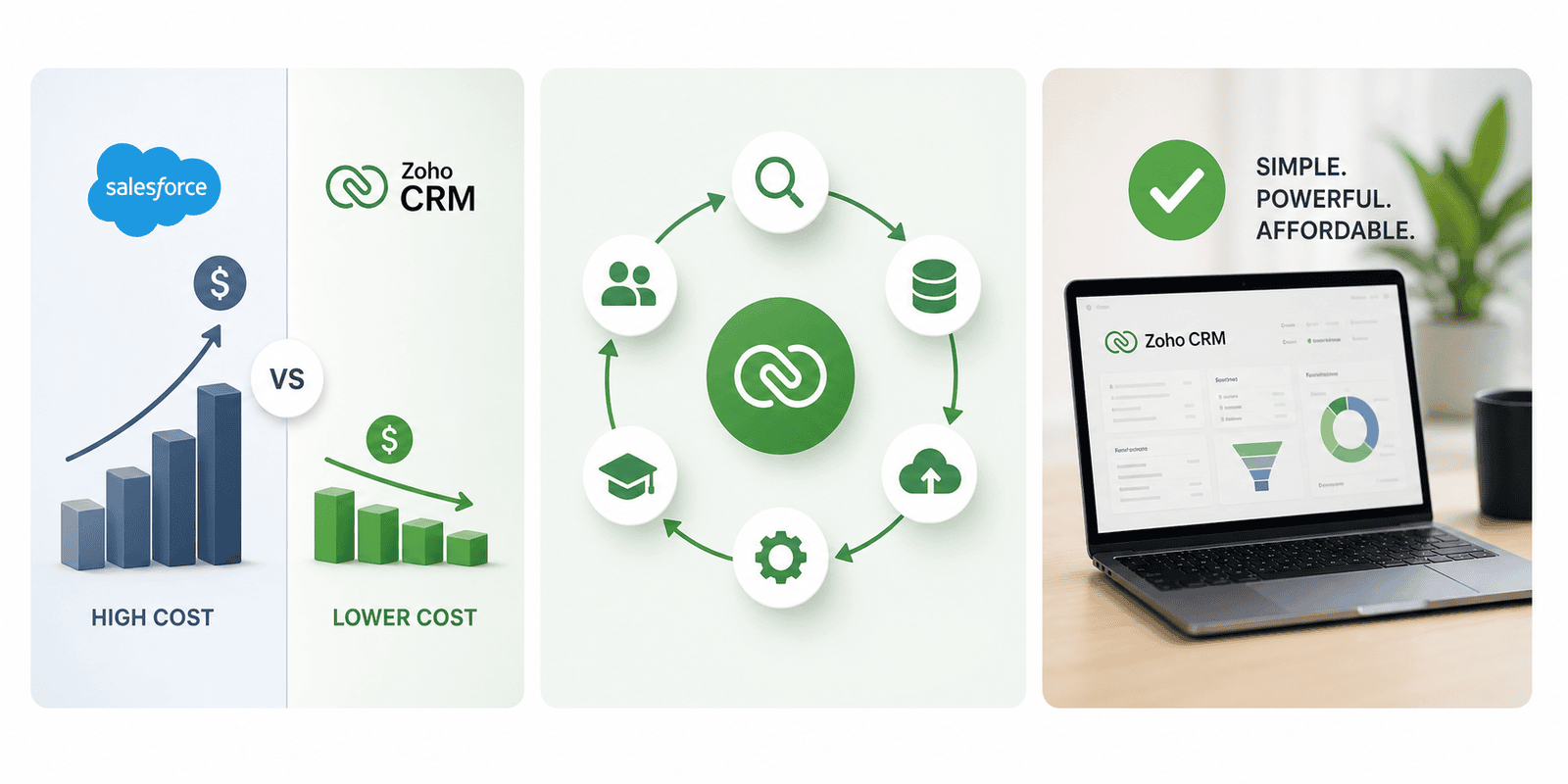
Flexibility and the Zoho ecosystem
Zoho One includes 45+ business applications: CRM, Marketing, Support, HR, Accounting, Analytics — all in a single ecosystem for $37/user/month. To build an equivalent stack on Salesforce plus partner solutions, you'd spend 5–10× more.
"We were paying Salesforce over $2 625.00 a month for a team of 15 on the Enterprise plan. After switching to Zoho, we spend around $600.00. In the first year we saved over $24,300 just on license costs plus eliminating our external Salesforce admin - up to 4500 usd ." — Founder of Construction business company in Florida, USA (NDA)
How to Switch: A Step-by-Step CRM Migration Plan
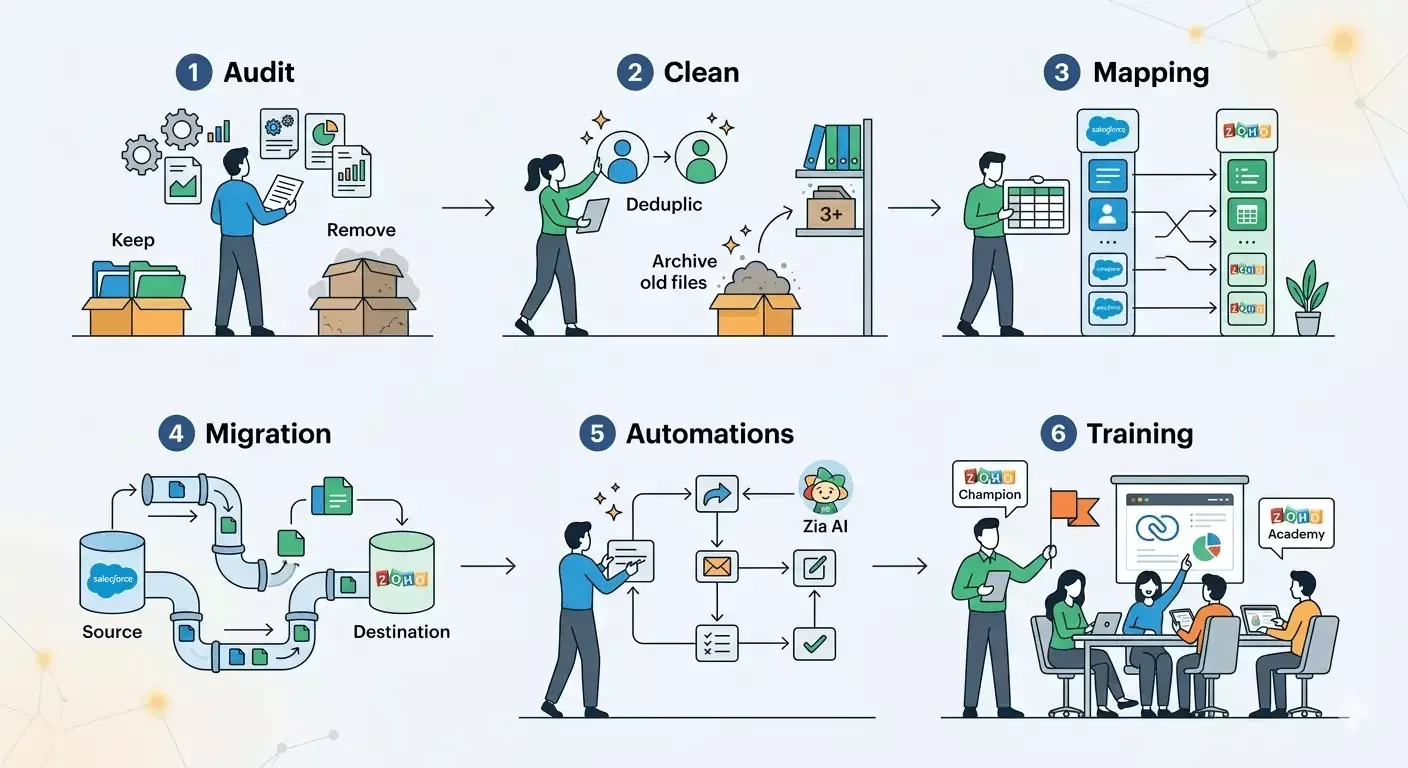
1. Audit your current CRM exactly what you use: which modules are active, which automations are running, which reports are critical. Identify what stays and what can be simplified or removed. Typically 30–40% of Salesforce customizations are dead functionality that nobody actually uses.
2. Clean and prepare your data Don't migrate garbage. Remove duplicate contacts (deduplication is a mandatory step), archive deals older than 3 years, verify email address accuracy. The quality of your data after migration equals the quality of your data before it.
3. Field mapping Match every Salesforce field to its Zoho CRM equivalent. Custom fields in Salesforce require manual mapping. Build a mapping spreadsheet — it takes 2–5 days but saves you from chaos after migration.
4. Data migration Use the native Zoho Migration Wizard or tools like Skyvia or DBSync. Migrate in stages: Leads first, then Contacts & Accounts, then Deals, then activities and notes. Always run a test migration in a staging environment before going live.
5. Set up automations Zoho CRM offers Workflow Rules, Blueprint (for complex processes), and the Zia AI assistant. Don't copy automations 1-to-1 — revisit the logic and optimize. This is your opportunity to simplify processes rather than just recreate old ones.
6. Train your team Designate 1–2 internal Zoho "champions" who will train the rest. Zoho Academy is free. Plan for a minimum of 4–8 hours of training for sales managers and 16–24 hours for administrators. Don't skip this step — 60% of failed CRM implementations fail specifically because of inadequate training.
Common Mistakes When Switching to Zoho CRM
Migrating dirty data. If you have 50,000 contacts in Salesforce and 30,000 are outdated or duplicates, you'll have the same chaos after migration — just in a different system. Data cleanup is the first priority.
No strategy and no project owner. CRM migration is a project. It needs an owner, deadlines, and checkpoints. Without these, the process will drag on for months.
Skipping user training. "They'll figure it out" is the most expensive phrase in any CRM implementation. Team resistance and low adoption kill any system, no matter how good it is.
Running two systems in parallel for more than 2 weeks. If the team keeps entering data in Salesforce "just in case," the migration will never truly complete psychologically. Set a firm cutover date and stick to it.
Factors to Consider Before Switching from Salesforce to Zoho
Complex enterprise processes with thousands of custom objects. If your Salesforce instance has 200+ custom objects, dozens of Apex triggers, and deep ERP integration — rebuilding all of that in Zoho CRM will cost more than staying put.
Industry-specific regulatory requirements. Some financial and pharmaceutical companies rely on certified Salesforce solutions for specific compliance requirements (FDA, HIPAA, FCA). Zoho has options here too, but they require careful verification.
A team already fluent in Salesforce. If you have three certified Salesforce administrators and a team that works comfortably in the system, the cost of switching — time, training, risk — may outweigh the savings from lower license fees.
The key question isn't "Zoho or Salesforce?" — it's "Which system matches our actual level of complexity, today and two years from now?"
Conclusion: Switching to Zoho CRM Is Not a Compromise
For most companies with teams up to 100–150 people, migrating from Salesforce to Zoho CRM is not a "cheaper alternative" — it's a rational business decision. You get 80–90% of the functionality at 20–30% of the cost, plus a significantly lower barrier to adoption for your team.
But a proper CRM migration is not "export a CSV and hit Import." It's a project — data preparation, field mapping, process configuration, and team training. Done right, it pays for itself within 2–3 months. Ready to find out how much your business can save?